Getting started
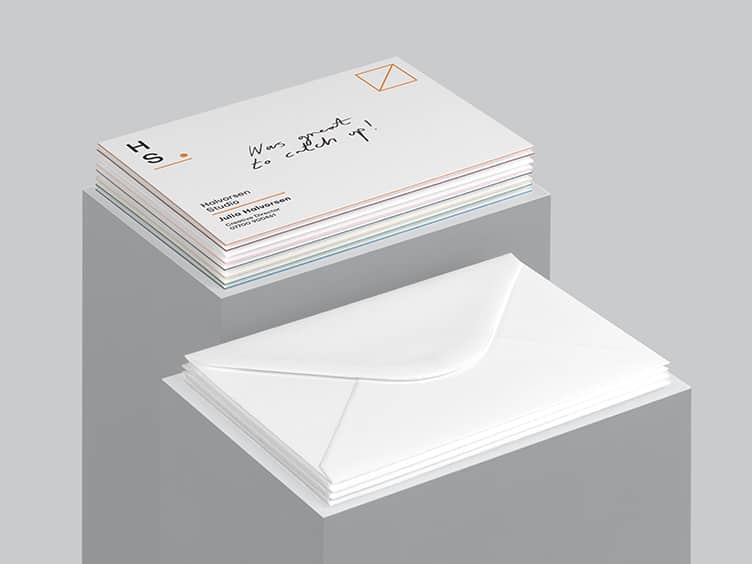
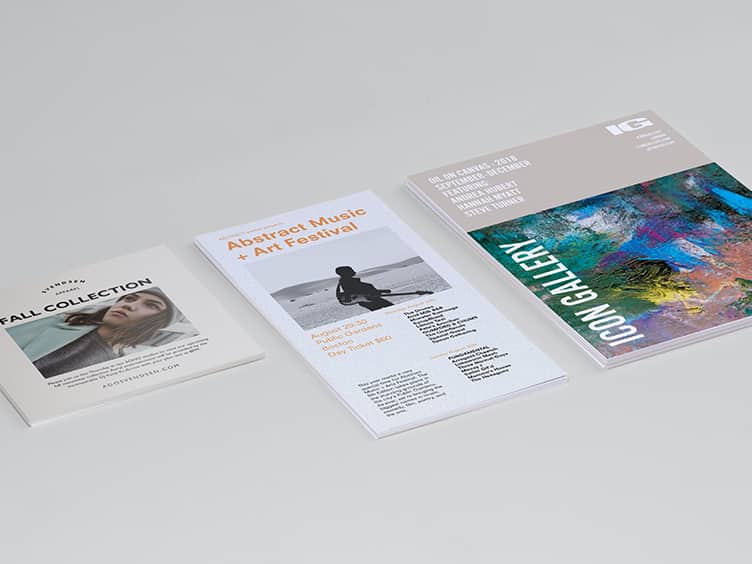
Designing your MiniCards or Notecards can be as easy as you want it to be. The quickest and simplest way is to upload your gifs, jpegs or pngs directly to MOO, and use our online cropping tool to position, rotate and design your cards.
To do this, these are the minimum, standard file sizes we would recommend, straight from the camera:
MiniCards: 1024x768 (from a 1 MegaPixel camera)
NoteCards: 1600x1200 (from a 2 MegaPixel camera).
Designing to fit
If you want a little more control over your cards, it is possible to design them to fit the correct printed proportions - which includes an allowance for the 'bleed' area.
Designing to fit is something we would only recommend to advanced users, as a little technical/application knowledge is required to use the templates provided.
If you have PhotoShop CS, download the 'PSD' options at the top of this page. They have been made to the correct pixel size and resolution. Each PSD has a guide layer, which will need to be switched off when you save the final file for print.
If you are using a different image editing program, download the 'JPEG' options and open them in your program of choice. Again, don't forget to delete the guides when you save the final file.
Each file has guides to show the bleed, the trimmed size of the cards, and the safe area.
If you would like your images to fill the entire card, please make sure the image fills the whole document area, as this includes the bleed. It will make sure there are no white edges around your cards.
Make sure all important parts of your image are well within the marked 'safe' area.
We would suggest saving your files as RGB jpegs, at the maximum quality available.
Getting the best out of your images
Our cards are all printed on heavy, smooth stock, with a matt laminate over the image. The matt laminate can dull the colours of your images slightly, so we find that higher contrast, brighter images work best.
USA store – switch to MOO's